How do I import course materials from another course management system?
For a printable & shareable PDF version of this resource, click here
1) Login to Brightspace and access the course.
2) Click the Course Admin link in the navbar.

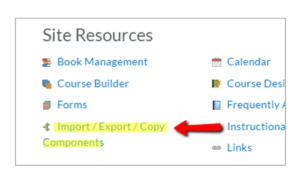
3) Under Site Resources, click Import/Export/Copy Components.
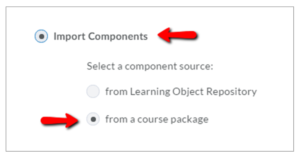
4) Select the Import Components option, and then select from a course package.
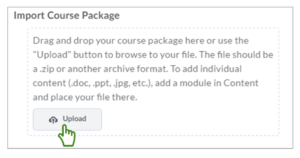
5) Upload the .zip file from the other course management system. Click Upload. Once uploaded, begin the import.