Add a Course Image to your Homepage
Brightspace allows courses on the main page to have course images (widget pictures).
Add a Course Image
1) First, log into Brightspace and enter the course.
2) In the NavBar, click Course Admin

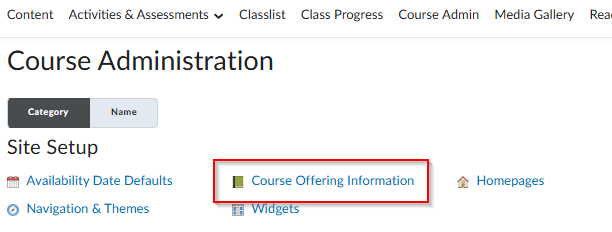
3)Under Site Setup, click Course Offering Information.
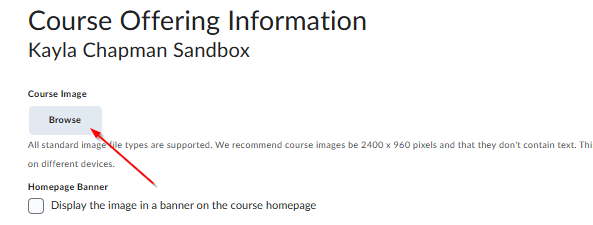
4) Click Browse under Welcome Widget Picture.
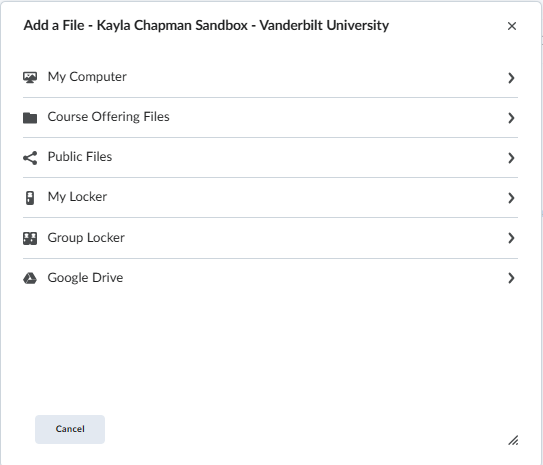
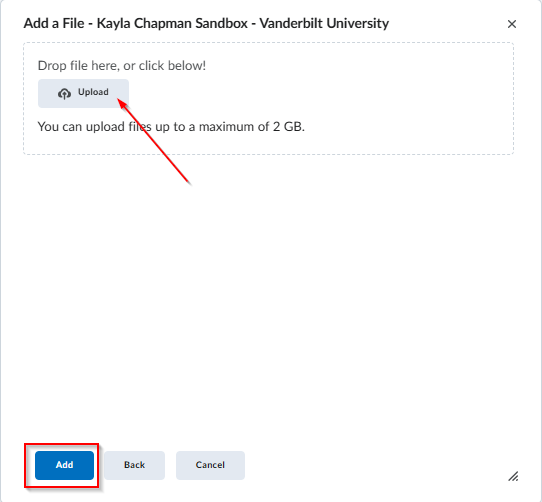
5) Browse computer or drag and drop photo. Click Add, then Save.