New Students

What You Should Do Now

New students need to wait til July 1 to claim their digital card. If you are using a shared AppleID we strongly recommend that you get your own Apple account.

  • 1. Upload a Photo (It must be approved prior to moving on to step 2)

    One must submit and have their photo approved prior to obtaining their physical or mobile/digital card. An email will be sent once the photo is approved. The picture will also appear in the GET app once it is approved.

    How to submit a photo

  • 2. Claim your digital card

    New students need to wait til July 1 to claim their mobile card.

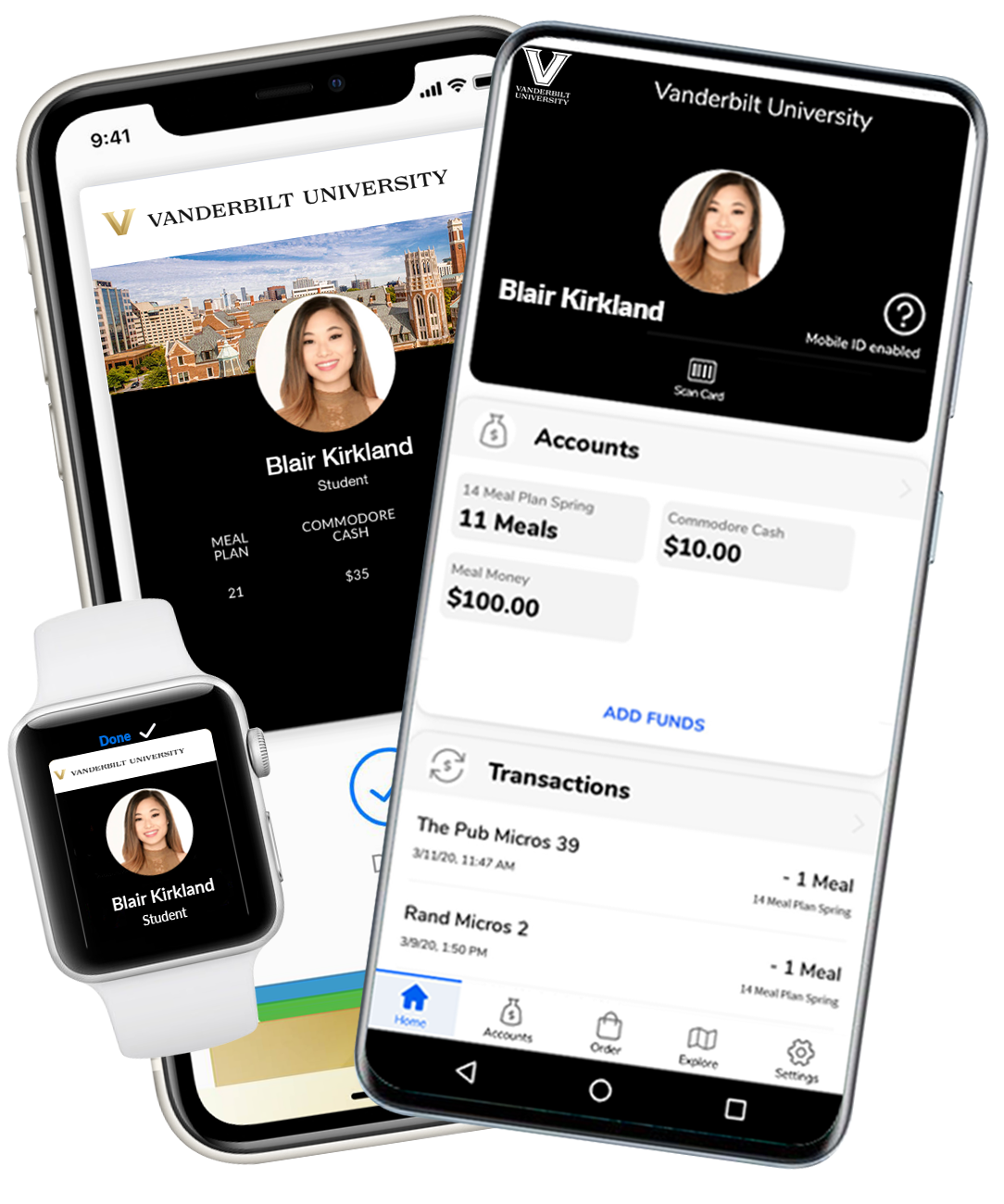
    Your card is now available on your Android or Apple device. You can activate it on your phone by checking out the link below. Please ensure your photo was uploaded and approved.

    Mobile Commodore Card instructions

  • 3. Make a Commodore Cash selection

    Make a Commodore Cash Selection for 2024/2025

    Commodore Cash is a debit spending account that can be used anywhere on or off campus where the Commodore Card is accepted for payment, which includes food and non-food purchases, such as books and supplies, vending, laundry, printing, and athletic events. Commodore Cash balances can be carried over from year-to-year on your student’s debit spending account.

  • 4. Learn more about The Ingram Commons

Summer Hours of Operation

Monday - Friday, 8:30 AM - 4 PM
Sarratt Student Center, Suite 184