-
2. Claim your digital card
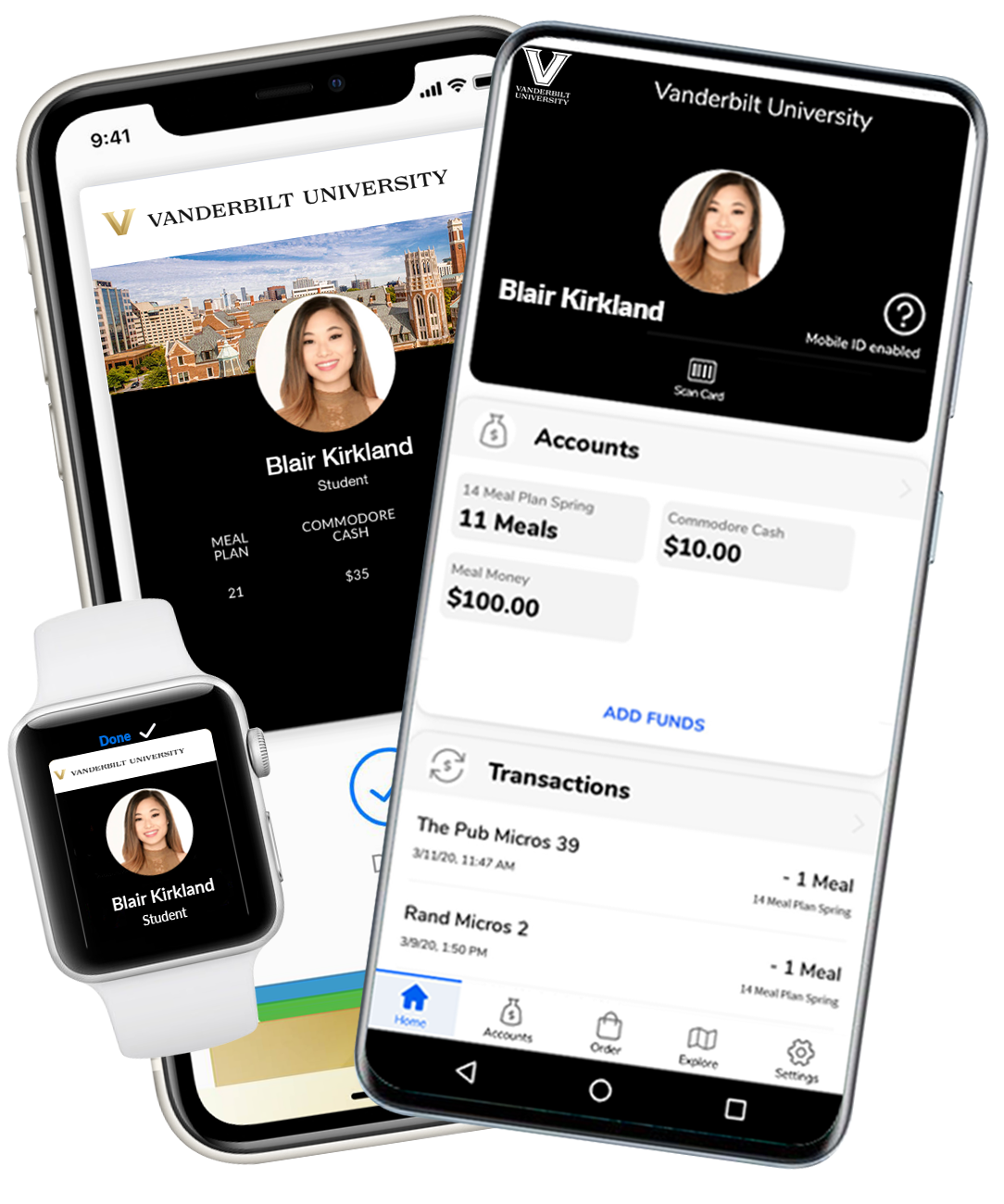 Your card is now available on your Android or Apple device. You can activate it on your phone by checking out the link below. Please ensure your photo was uploaded and approved.
Summer Hours of Operation
Monday - Friday, 8:30 AM - 4 PM
Sarratt Student Center, Suite 184